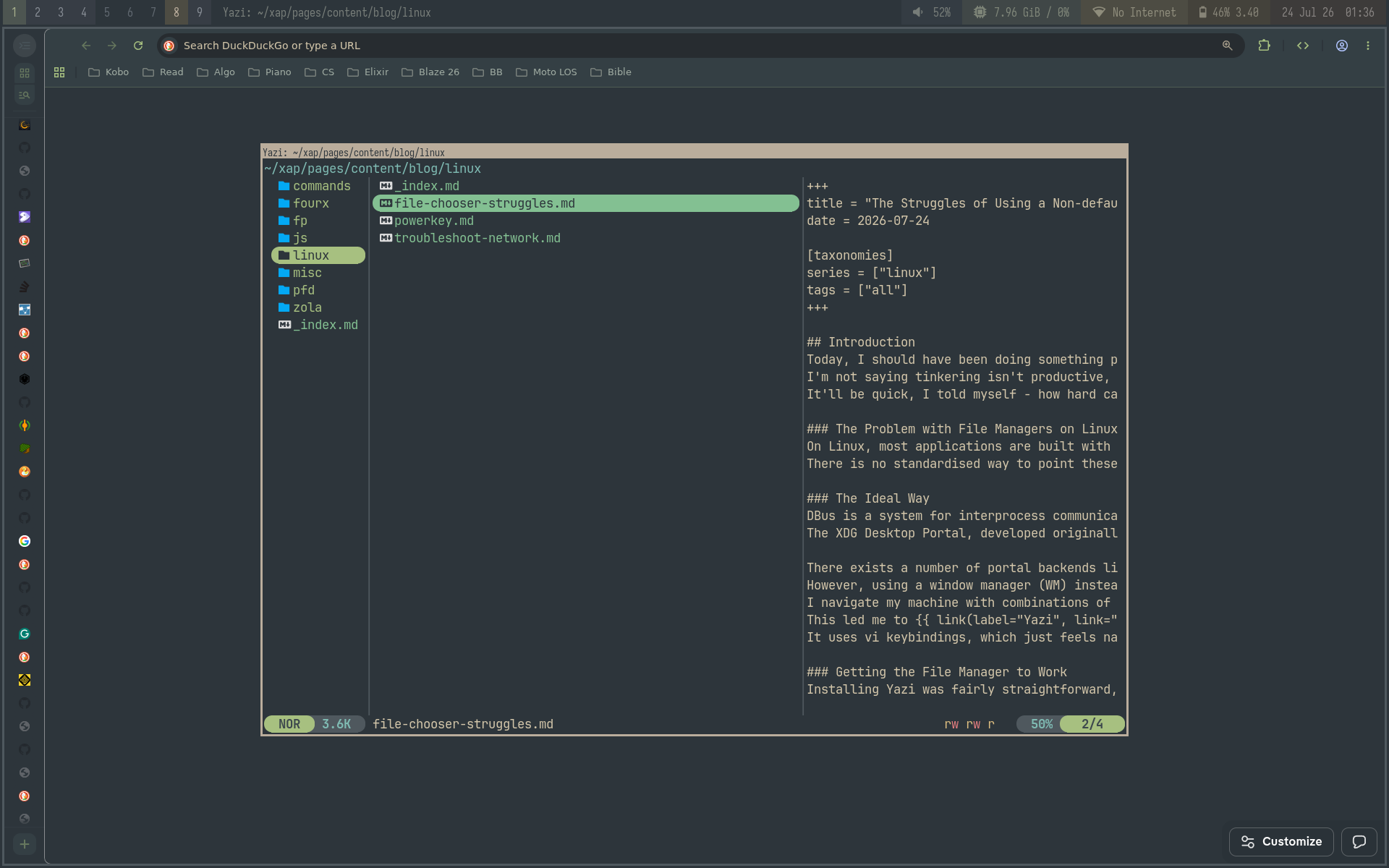
The Struggles of Using a Non-default File Manager In Linux
Introduction
Today, I should have been doing something productive instead of configuring my OS. I'm not saying tinkering isn't productive, it can be, if only something good comes out of it. It'll be quick, I told myself - how hard can changing my file manager be?
The Ideal Way
DBus is a system for interprocess communication (IPC) and provides a standardised way for processes to communicate with each other. The XDG Desktop Portal, developed originally for Flatpak applications for use with DBus, provides APIs for "file access, opening URIs, printing and others".
There exists a number of portal backends like for GTK, Gnome, and KDE to name the popular ones. However, using a window manager (WM) instead of a full-fledged desktop envrionment, these don't quite apply to me. I navigate my machine with combinations of keypresses, and I'm in search for such a file manager to unify the experience. This led me to Yazi , one of the terminal user interface (TUI) file managers available. It uses vi keybindings, which just feels natural.
Getting the File Manager to Work
Installing Yazi was fairly straightforward, it was the integration with the WM and applications that was killer.
DBus Configuration
I never noticed that DBus wasn't running properly on my machine.
Yes, the service was active, but the WM didn't have an active user session running.
The fix was simple, adding this to the last line of my .xinitrc:
exec dbus-run-session -- herbstluftwm --locked
The fix was simple, but I initially followed examples using dbus-launch instead of dbus-run-session, which completely broke file opening across all apps and left me confused.
I learned a useful tip to apply changes by restarting the X server, instead of fully rebooting: sudo pkill X.
XDG Desktop Portal Configuration
After installing xdg-desktop-portal and xdg-desktop-portal-termfilechooser, some config files need to be set up:
$HOME/.config/xdg-desktop-portal/config
[preferred]
default=termfilechooser
org.freedesktop.impl.portal.FileChooser=termfilechooser
$HOME/.config/xdg-desktop-portal-termfilechooser/config
[filechooser]
# prioritizes `yazi-wrapper.sh` in `$XDG_CONFIG_HOME` dir over `/usr/local/share` and `/usr/share` dirs
cmd = yazi-wrapper.sh
default_dir = $HOME
open_mode = suggested
save_mode = last
Opening the File Manager
I had to configure yazi-wrapper.sh slightly. The base copy resides in/usr/local/share.
First was to configure the termcmd:
termcmd="${TERMCMD:-xterm -T 'termfilechooser' -e }"
-e sends a command to xterm to run.
Between the termcmd line and the next configuration, the script builds the command that opens Yazi.
The next modification tells the WM (in this case, Herbstluftwm) to open Yazi as a floating window in the center:
sh -c "herbstclient rule once floating=on floatplacement=center floating_geometry=1200x800+0+0; $command"
The herbstclient command seems so simple, yet it took so long to derive.
I didn't think to use rule once at all and was racking my brain thinking of ways to make the window float.
Most of what I needed to know was already in the docs, perhaps I didn't squint hard enough at the tiny words.
The Problem with File Managers on Linux
On Linux, most applications are built with either of two GUI toolkits: Qt and GTK, and these applications have their own file choosers. While I mentioned the DBus system earlier, which seems to fix this issue, only Electron apps responded well. I may need to look at my implementation again, but for now it works some of the time. I'm hopeful the integration improves, and I'm looking forward to configuring it more.